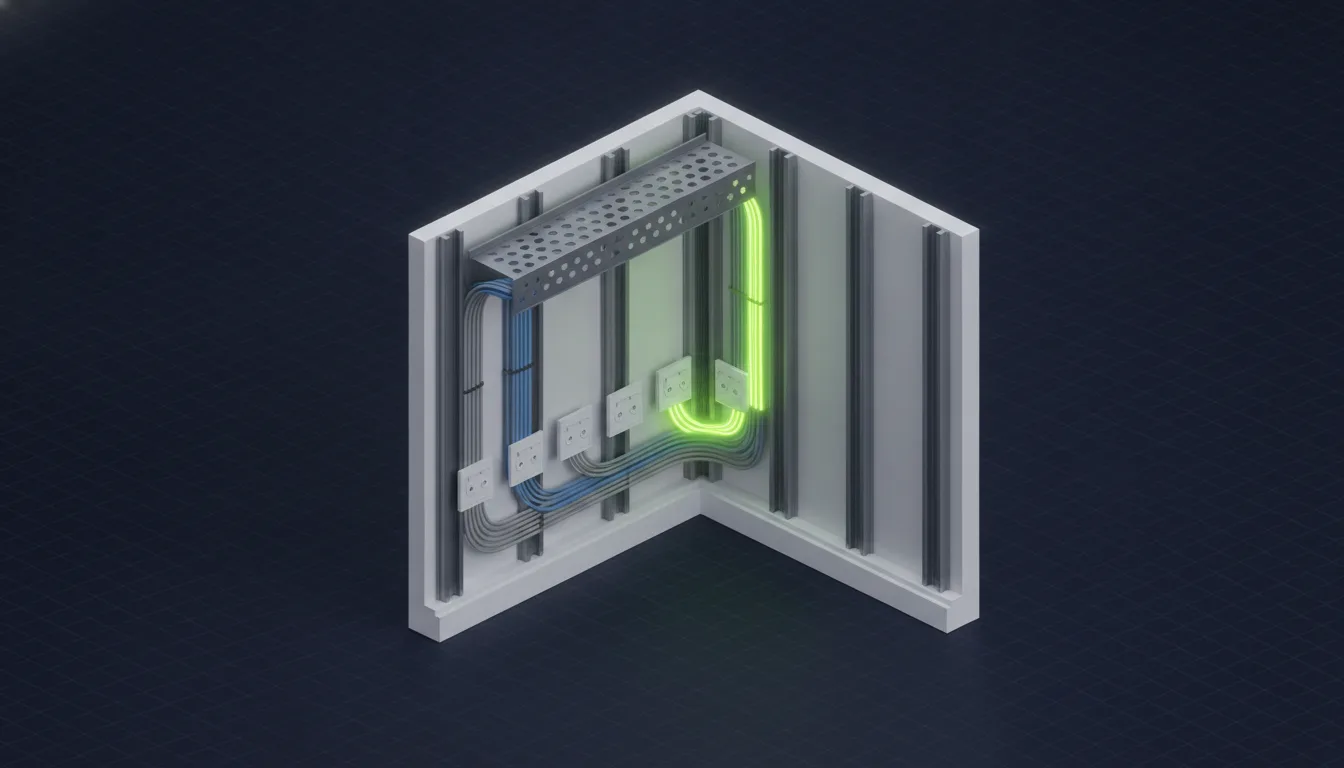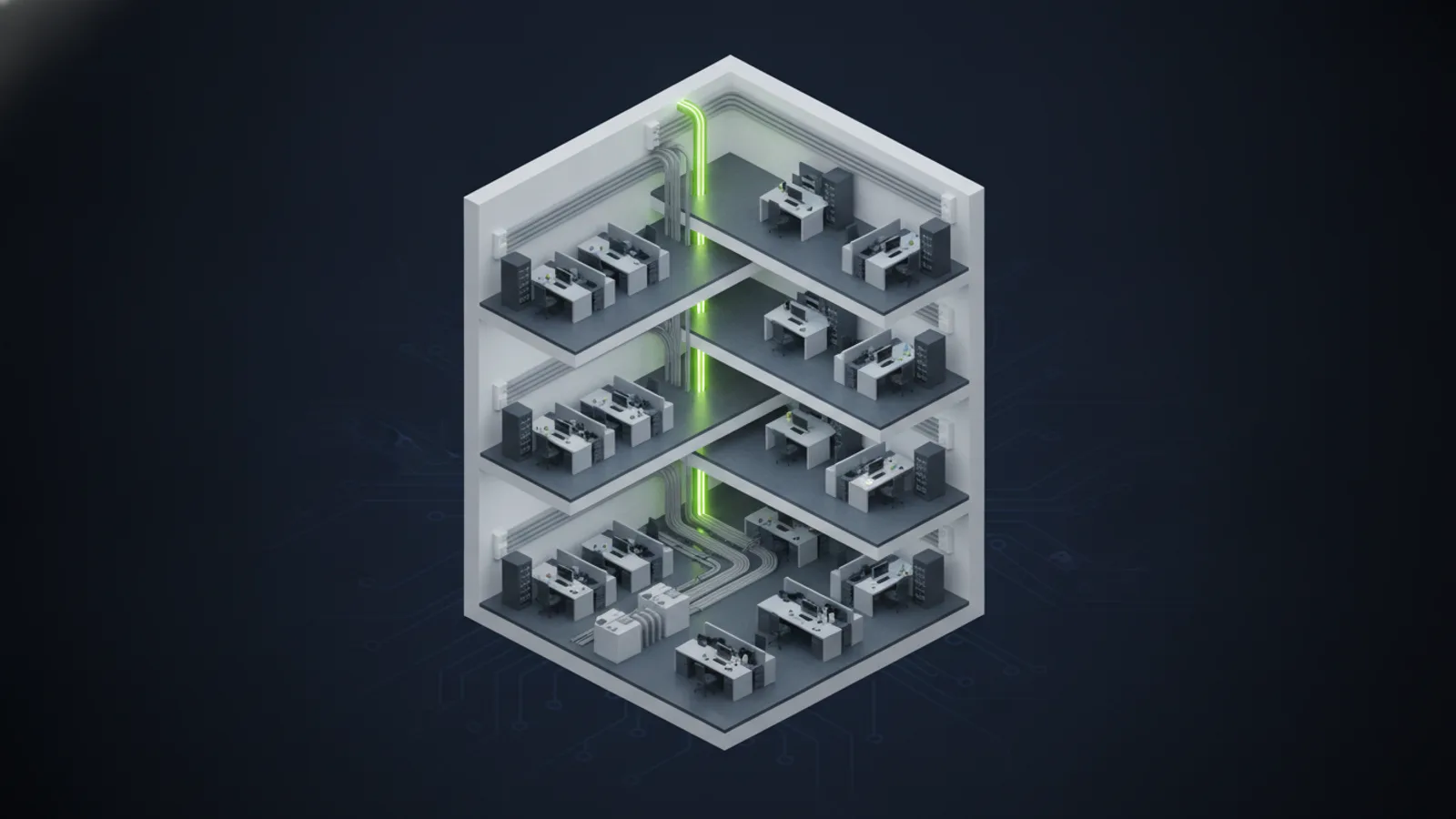
Network cabling services cover the design, installation, testing, labeling, and documentation of the physical cable plant that connects workstations, wireless access points, servers, phones, security cameras, access control systems, and cloud-connected business applications. For commercial buildings, that usually means a structured mix of Cat6A copper, fiber optic backbone cabling, low voltage pathways, patch panels, racks, and certified test reports.
Quick Answer: What Should a Business Ask for?
A commercial network cabling services proposal should include a site survey, drop schedule, cable category recommendation, pathway plan, MDF/IDF layout, testing method, labeling standard, and closeout documentation. For most new business installations, Cat6A is the safest default for horizontal data cabling, with fiber optic cabling used for backbone runs between floors, buildings, and data center racks.
What Are Network Cabling Services?
Network cabling services are the professional services used to build and maintain the wired infrastructure behind a business network. They include more than pulling Ethernet cable. A complete project covers engineering, pathway design, cable installation, terminations, patch panels, cable certification, as-built documentation, and coordination with the network equipment that will use those cables.
For a business, the goal is simple: every device that needs a reliable connection should have a tested, labeled, standards-compliant path back to the network. When that foundation is right, help desk calls fall, Wi-Fi performs better, cameras stay online, and future moves or renovations are easier to manage.
Network Cabling vs Structured Cabling vs Low Voltage Cabling
These terms overlap, but they are not identical. Understanding the difference helps you compare proposals from cabling contractors and avoid missing scope.
| Term | What it usually means | Common business use |
|---|---|---|
| Network cabling | Ethernet and fiber cabling used by computers, switches, wireless access points, printers, phones, and servers. | Office data drops, Wi-Fi AP drops, server room connections, conference rooms, and managed network infrastructure. |
| Structured cabling | A standards-based cabling system with organized pathways, patch panels, MDF/IDF rooms, labeling, and test records. | Commercial buildings that need scalable, maintainable voice, data, video, and security cabling. |
| Low voltage cabling | The broader category of signal cabling, usually under 50 volts, including data, voice, cameras, access control, alarms, A/V, and audio. | Building-wide technology systems that require data, video, controls, sensors, and security device wiring. |
| Data center cabling | High-density copper and fiber cabling for racks, cabinets, top-of-rack switching, cross-connects, and backbone links. | Server rooms, colocation cages, edge data centers, and high-bandwidth equipment spaces. |
If you need the full commercial service page, start with our structured cabling services. If you are planning a broader signal-wiring project, see our low voltage cabling and data cabling service pages.
Which Cable Should You Use?
The right cable depends on distance, bandwidth, device density, electrical interference, and how long the installation needs to last.
Cat6A for New Office Data Drops
Cat6A is the recommended default for most new commercial data cabling because it supports 10 Gigabit Ethernet at the full 100-meter channel distance. The cable is larger and more demanding to install than Cat6, but the labor is the expensive part of any cabling project. If the walls and ceilings are open, it usually makes sense to install the cable category with the longest useful runway.
Fiber for Backbone and Distance
Fiber optic cabling belongs between floors, between buildings, across campuses, and inside high-bandwidth equipment spaces. It handles distance better than copper, avoids electrical interference, and gives the network team more room to upgrade switch optics later without pulling new cable. For a deeper planning view, read our fiber optic cable installation guide.
Specialty Low Voltage for Cameras, Access Control, and A/V
Security cameras, access control doors, intrusion devices, conference room displays, digital signage, and audio systems each have wiring requirements that should be planned with the network. Treating them as separate afterthoughts creates crowded pathways, missing PoE capacity, and messy service calls later.
Network Cabling Services Checklist
Use this checklist before you approve a cabling proposal.
- Site survey: Confirm rooms, walls, ceilings, pathway constraints, MDF/IDF locations, and all device locations.
- Drop schedule: List every data jack, wireless access point, camera, door controller, printer, phone, conference room device, and future spare drop.
- Cable category: Decide Cat6, Cat6A, fiber, coax, or specialty low voltage by use case, not by habit.
- Pathway plan: Define cable tray, J-hooks, conduit, sleeves, firestopping, plenum/riser requirements, and spare capacity.
- MDF and IDF layout: Specify rack location, patch panels, cable managers, UPS space, cooling, and power requirements.
- Testing standard: Require certification testing on every copper drop and appropriate fiber testing for backbone runs.
- Labeling standard: Use a naming convention that maps each wall jack to a patch panel and switch port.
- Closeout package: Require as-built drawings, test reports, port maps, rack photos, warranty documents, and a digital copy of the cable schedule.
Questions to Ask a Network Cabling Contractor
A good contractor should be able to answer these questions without hesitation:
- Are you licensed for commercial low voltage work in this state?
- What test equipment do you use, and will I receive reports for every run?
- Who designs the MDF/IDF layout and cable schedule?
- How do you document as-built conditions if the field route changes?
- How much spare pathway and rack capacity are you planning?
- Do you coordinate with the MSP or network team before final switch and wireless design?
- What is excluded from your proposal?
Why Network Cabling and Managed IT Should Coordinate
Network cabling is physical infrastructure, but it directly affects managed IT outcomes. Wi-Fi coverage, VoIP quality, camera uptime, firewall placement, switch capacity, and backup internet design all depend on where cables land and how they are documented. When the cabling contractor and managed IT provider work from the same plan, fewer assumptions make it into the walls.
Unio Digital provides both structured cabling services and managed network services, which means the cable design can be aligned with the switches, wireless access points, VLANs, firewall, and support model that will operate the building after installation.
Arizona Licensing and Documentation
In Arizona, commercial low voltage cabling work requires proper licensing. Unio Digital holds Arizona ROC 327245 and ROC 333580 for low voltage and related commercial work. For business owners and general contractors, licensing is not paperwork trivia. It affects inspections, insurance, warranty coverage, and accountability if a project has to be corrected later.
For Arizona-specific buying guidance, see our ROC-licensed cabling contractor comparison and our 2026 guide to top structured cabling companies.
Planning a Cabling Project?
Get a site survey, cabling design, and fixed-scope quote from a licensed Arizona low voltage contractor.
Request a Cabling Quote