Professional installation is the key to getting the most out of a commercial security camera system. Poorly placed cameras, inadequate cabling, and misconfigured network settings can leave critical blind spots and compromise the reliability of your surveillance. Working with an experienced installer ensures your system performs as intended from day one.
The Installation Process
A professional commercial camera installation follows a structured process that begins well before any hardware is mounted on a wall.
Site Survey and System Design
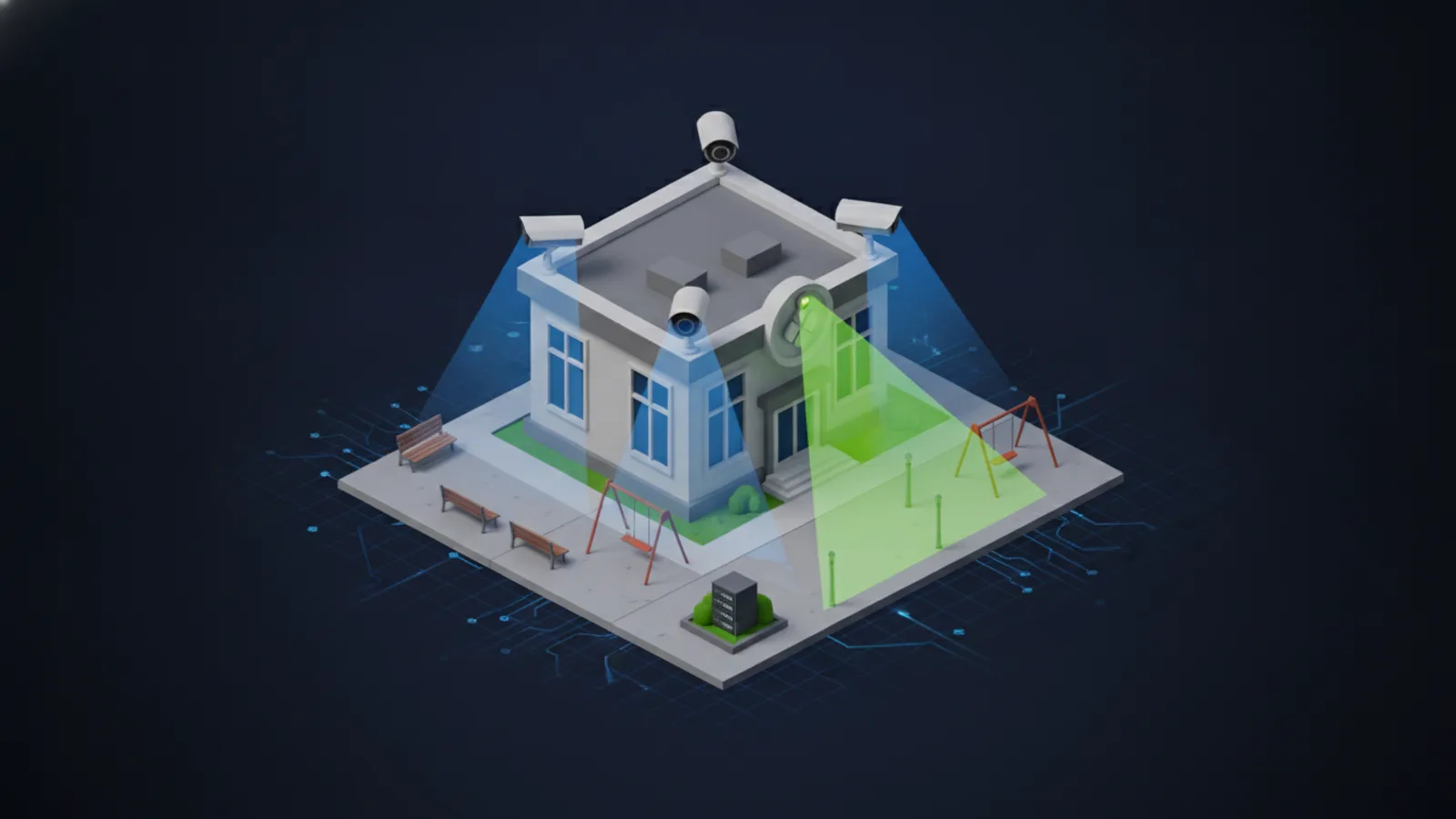
The first step is an on-site survey to evaluate your facility. The installer assesses entry points, high-traffic areas, parking lots, and other zones that require coverage. Lighting conditions, mounting surfaces, and cable routing paths are documented. Based on this assessment, a system design is created that specifies camera types, positions, lens selections, and recording requirements.
Cable Infrastructure
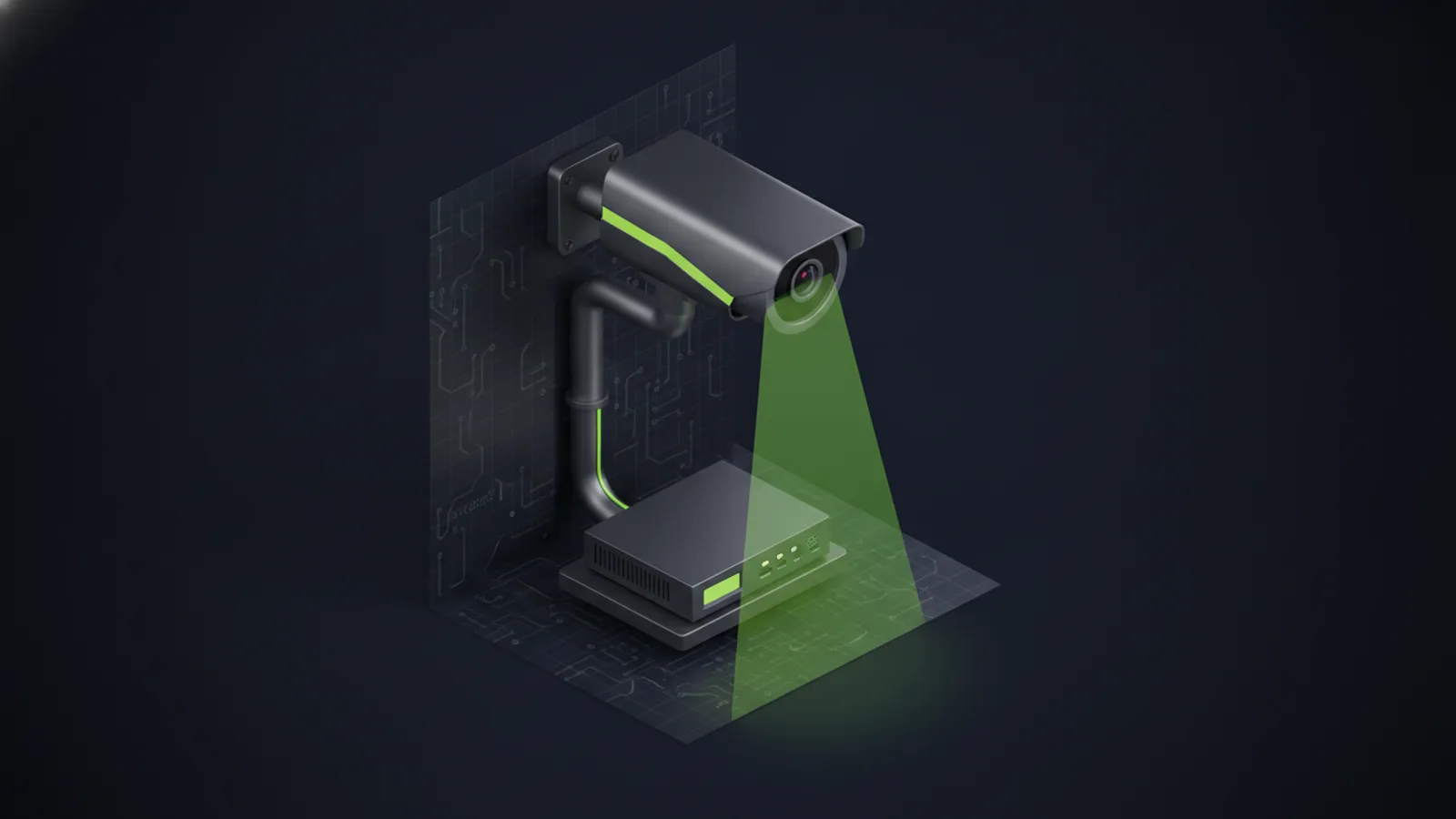
Most commercial camera systems use structured cabling with Cat6 or Cat6a Ethernet cable to deliver both data and power via PoE. Running cable through walls, ceilings, and conduit requires careful planning to maintain building aesthetics and comply with local codes. Fiber optic connections may be used for longer runs between buildings.
Camera Mounting and Configuration
Cameras are securely mounted at the positions identified during the design phase. Each camera is aimed and focused to cover its designated area with optimal image quality. The installer configures resolution, frame rate, motion detection zones, and recording schedules through the camera or management platform.
Network Requirements
A commercial camera system places significant demands on your network. Proper planning prevents bandwidth bottlenecks and ensures smooth performance.
PoE Switches and VLANs
PoE switches supply power and data to cameras over a single Ethernet cable, simplifying installation. Placing cameras on a dedicated VLAN separates surveillance traffic from general business traffic, improving both performance and security.
Storage and Retention
Recording storage must be sized based on the number of cameras, resolution settings, and desired retention period. Cloud-managed systems handle storage automatically, while on-premises NVR deployments require properly sized hard drives and RAID configurations for redundancy.
Common Mistakes to Avoid
Even with quality equipment, installation errors can undermine your security investment.
Poor Camera Placement
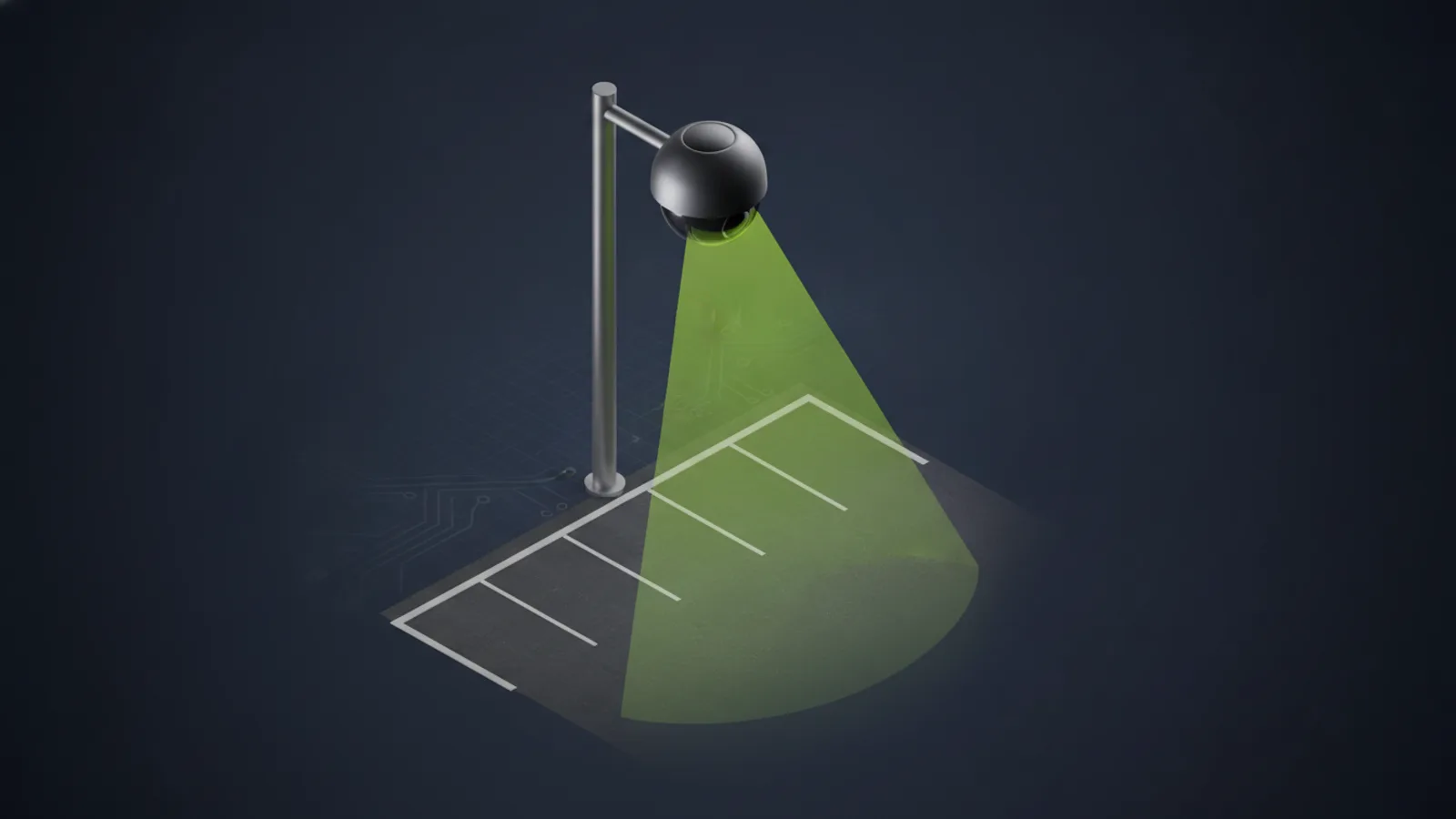
Mounting cameras too high, too low, or in areas with backlighting reduces image quality and creates blind spots. A professional installer selects mounting heights and angles that maximize coverage and facial identification capability.
Insufficient Lighting
Cameras need adequate lighting to produce usable footage, especially at night. Infrared-equipped cameras help in low-light conditions, but supplemental lighting may be necessary in critical areas like entrances and loading docks.
Neglecting Cybersecurity
IP cameras are network devices that must be secured against unauthorized access. Default passwords should be changed, firmware should be kept up to date, and camera traffic should be isolated on its own network segment.
Commercial Camera Installation by Unio Digital
Unio Digital provides professional commercial security camera installation services throughout Tucson. As certified partners for Avigilon (Motorola Solutions) and Rhombus, our team handles every aspect of the project, from initial site survey through final configuration and training, ensuring your system delivers reliable, high-quality surveillance.
Contact Unio Digital to schedule a site survey and receive a detailed installation proposal for your business.