Phishing remains the most common entry point for cyberattacks in 2026. According to CISA, over 90% of successful data breaches begin with a phishing email, and the FBI's Internet Crime Complaint Center reported $2.9 billion in business email compromise losses in a single year.
The attacks are getting harder to detect. AI-generated phishing emails now mimic legitimate business communication with near-perfect grammar and personalized details pulled from LinkedIn, company websites, and previous breaches. Recognizing the warning signs is no longer optional for any employee who handles email.
This guide breaks down the most common indicators of phishing attacks, shows you how to identify them, and explains what to do when you spot one.
What Is a Phishing Attack?
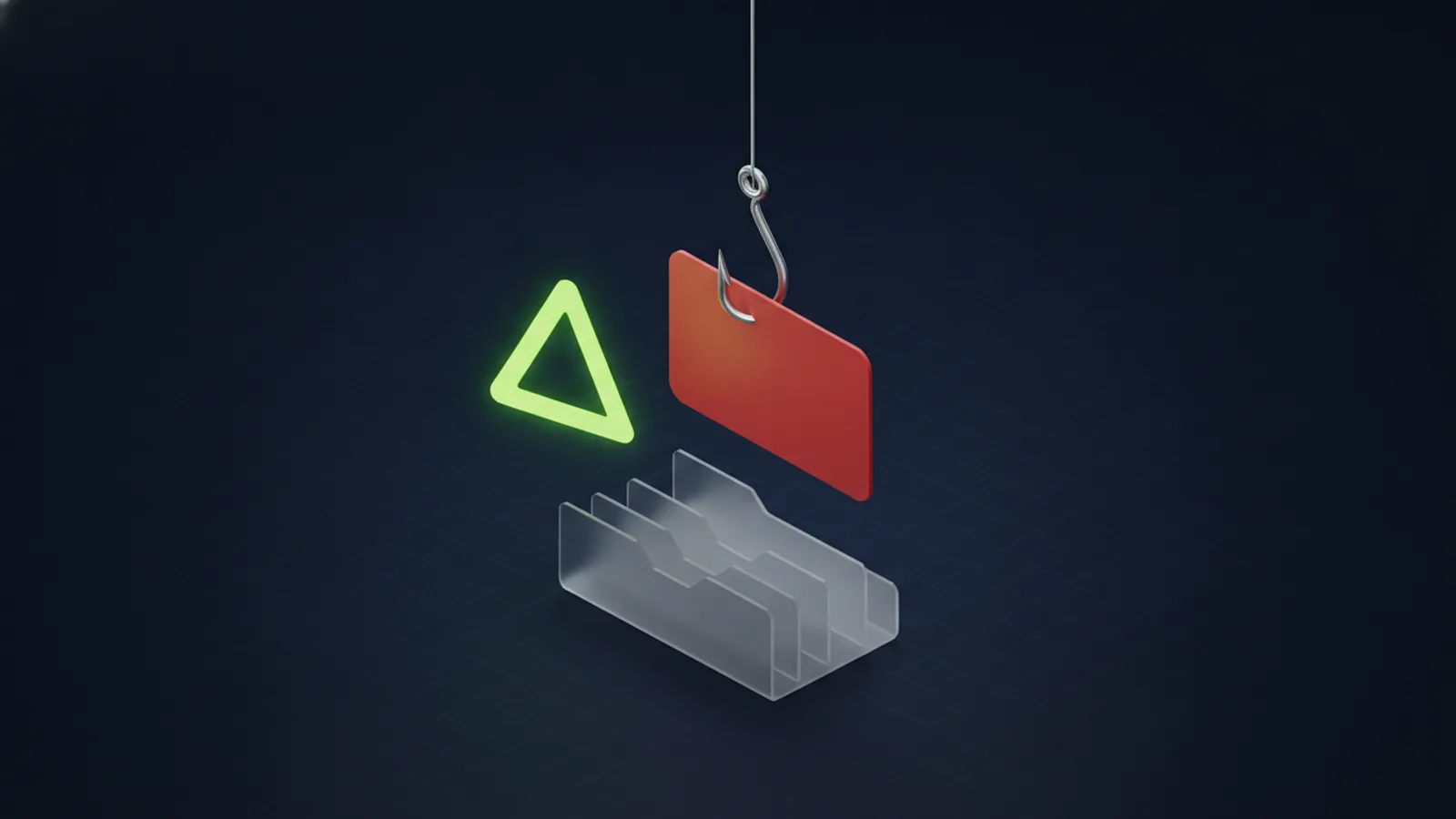
A phishing attack is a social engineering technique where an attacker impersonates a trusted entity (a coworker, vendor, bank, or software provider) to trick the recipient into taking a harmful action. That action usually involves clicking a malicious link, opening an infected attachment, entering credentials on a fake login page, or wiring money to a fraudulent account.
Phishing is effective because it exploits human behavior rather than software vulnerabilities. No firewall or antivirus can fully protect against an employee who willingly enters their password on a convincing fake Microsoft login page.
Types of Phishing Attacks
Before examining the indicators, it helps to understand the different forms phishing takes:
- Email phishing: The most common form. Mass emails sent to many recipients impersonating banks, software companies, or shipping services.
- Spear phishing: Targeted emails crafted for a specific person using personal details from LinkedIn, social media, or company websites.
- Business Email Compromise (BEC): The attacker impersonates a CEO, CFO, or vendor to authorize fraudulent wire transfers or share sensitive data. BEC causes the highest financial losses of any phishing type.
- Smishing: Phishing via SMS text messages, often impersonating delivery services, banks, or IT departments.
- Vishing: Voice phishing over phone calls, where attackers impersonate tech support, government agencies, or company executives.
- Clone phishing: The attacker copies a legitimate email you previously received, replaces a link or attachment with a malicious version, and resends it from a spoofed address.
10 Common Indicators of a Phishing Email
Most phishing emails share telltale characteristics. Here are the indicators every employee should check before clicking anything:
1. Suspicious Sender Address
Always check the full email address, not just the display name. Phishing emails often use addresses that look close to legitimate ones:
support@micr0soft.cominstead ofsupport@microsoft.comaccounting@company-name.netinstead ofaccounting@companyname.comjohn.smith@companysupport.comfrom an external domain imitating your company
On mobile devices, the display name is often all you see. Tap the sender name to reveal the full address before taking any action.
2. Urgent or Threatening Language
Phishing emails create artificial urgency to override your critical thinking. These are examples of phishing language to watch for — never act on messages like these:
- Emails claiming your account "will be suspended in 24 hours"
- Messages insisting that "immediate action" is required to avoid a penalty
- Alerts claiming an unauthorized login was detected and asking you to "verify your identity"
- Notices claiming a payment failed and pressuring you to update billing information
Legitimate companies rarely demand immediate action via email. When in doubt, contact the company directly through their official website or phone number rather than clicking links in the email.
3. Unexpected Requests for Sensitive Information
No legitimate company will ask you to provide passwords, Social Security numbers, bank account details, or multi-factor authentication codes via email. If an email asks you to "verify" or "confirm" sensitive information, it is almost certainly a phishing attempt.
This includes requests that appear to come from your own IT department. Attackers know that employees are conditioned to comply with internal IT requests, making this tactic especially effective.
4. Suspicious Links
Hover over any link (without clicking) to see the actual destination URL. Red flags include:
- The URL domain does not match the sender's organization
- The link uses an IP address instead of a domain name (e.g.,
http://192.168.1.1/login) - The domain contains subtle misspellings (e.g.,
paypa1.cominstead ofpaypal.com) - URL shorteners like bit.ly or tinyurl.com that hide the real destination
- Excessively long URLs designed to push the real domain off-screen
On mobile, press and hold the link to preview the URL. Never tap a link directly from an unexpected email.
5. Unexpected or Suspicious Attachments
Be cautious with any email attachment you were not expecting. High-risk file types include:
- .exe, .bat, .cmd, .scr — Executable files that run code immediately when opened
- .zip, .rar — Compressed files that may contain hidden executables
- .docm, .xlsm — Microsoft Office files with macros enabled
- .html, .htm — Web page files that can redirect to phishing sites
- .iso, .img — Disk image files increasingly used to bypass email filters
Even familiar file types like PDFs and Word documents can contain malicious content. If you were not expecting an attachment, verify with the sender through a separate communication channel before opening it.
6. Poor Grammar and Spelling
While AI has significantly improved phishing email quality, many attacks still contain grammatical errors, awkward phrasing, or inconsistent formatting. Watch for:
- Unusual capitalization or spacing
- Mixed fonts or formatting inconsistencies
- Sentences that don't quite make sense in context
- Generic greetings like "Dear Customer" instead of your name
However, do not assume an email is safe just because the grammar is perfect. Sophisticated phishing campaigns now use AI tools to produce flawless, natural-sounding text.
7. Mismatched or Generic Branding
Phishing emails that impersonate companies often get the branding slightly wrong. Look for:
- Low-resolution or outdated company logos
- Incorrect company names or slight variations
- Missing standard footer information (address, unsubscribe links, privacy policy)
- Color schemes or fonts that don't match the company's actual communications
8. Requests for Wire Transfers or Gift Cards
BEC attacks frequently request urgent wire transfers, gift card purchases, or changes to payment details. Common scenarios include:
- The "CEO" requesting gift cards for a client event
- A "vendor" notifying you of updated bank account details for payments
- An "attorney" requiring a confidential wire transfer for an acquisition
Any email requesting a financial transaction, especially one that asks you to bypass normal approval processes or keep it confidential, should be verified by phone with the supposed sender using a known phone number.
9. Too Good to Be True Offers
Emails promising unexpected rewards, refunds, prizes, or exclusive deals are classic phishing tactics. If you did not enter a contest, apply for a refund, or request a deal, treat the email with extreme skepticism.
10. Unusual Sending Times or Patterns
An email from your "CEO" sent at 3:00 AM on a Saturday requesting an urgent wire transfer is suspicious. Pay attention to emails that arrive at unusual times or break from the sender's normal communication patterns. Attackers operating from different time zones often send messages during their working hours, which may be outside your normal business hours.
What to Do When You Spot a Phishing Email
If you identify a suspicious email, take these steps in order:
- Do not click any links or open attachments. Even previewing an attachment can trigger malicious code in some cases.
- Do not reply to the sender. Replying confirms your email address is active and may expose information in your signature.
- Report it to your IT team. Forward the email as an attachment (not inline) to your IT department or security team. Most email security platforms have a "Report Phishing" button in Outlook.
- Delete the email. After reporting, move it to your Deleted Items and empty the folder.
- If you already clicked a link: Immediately change your password for any account you may have exposed. Enable multi-factor authentication if it is not already active. Notify your IT team so they can check for unauthorized access.
How Businesses Can Protect Against Phishing
Individual awareness is critical, but organizations need layered defenses to reduce phishing risk at scale:
Email Security Solutions
Deploy email security tools that filter phishing emails before they reach employee inboxes. Solutions like Microsoft Defender for Office 365, Proofpoint, and IRONSCALES use AI to analyze sender reputation, link destinations, and attachment behavior in real time.
Security Awareness Training
Regular security awareness training combined with simulated phishing campaigns trains employees to recognize and report threats. Organizations that conduct monthly phishing simulations see up to a 70% reduction in click rates within the first year.
Multi-Factor Authentication (MFA)
Even if credentials are compromised through phishing, MFA prevents attackers from accessing accounts. Every business application that supports MFA should have it enabled, especially email and VPN access.
Endpoint Detection and Response (EDR)
EDR solutions like SentinelOne detect and isolate threats that bypass email filters. If an employee does click a malicious link or open an infected attachment, EDR can contain the threat before it spreads across the network.
Incident Response Planning
Have a documented plan for what happens when a phishing attack succeeds. This should include steps for containment, credential resets, forensic analysis, and communication with affected parties. Testing the plan regularly ensures your team can respond quickly under pressure.
Phishing Is Evolving. Your Defenses Should Too.
Phishing attacks are no longer the obvious, poorly written scams they were a decade ago. Modern attacks use AI-generated content, stolen branding, and detailed personal information to create convincing deceptions that even experienced professionals can fall for.
The combination of employee training, technical security controls, and a culture of verification is the most effective defense. When in doubt, verify through a separate channel. It takes 30 seconds to call and confirm. It takes months to recover from a breach.
Strengthen Your Phishing Defenses
From email security and employee training to endpoint protection and incident response planning, we help businesses build layered defenses against phishing attacks.
Get a Security Assessment